
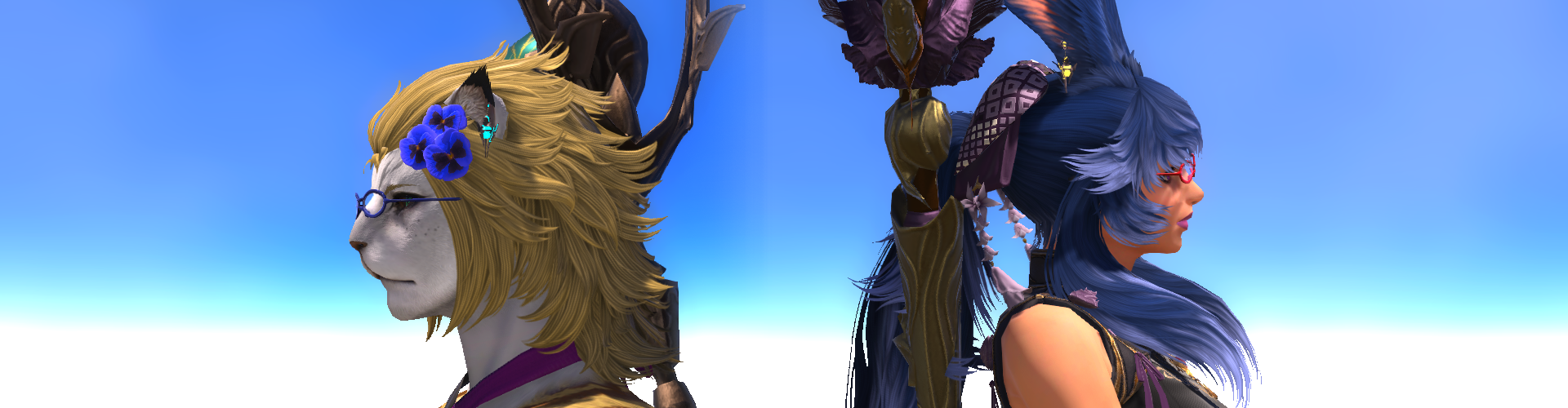
As I mentioned, Aikirees and I did conclude Dawntrail’s MSQ the other week prior to Evercold – so that’s it until January for more story. I have a lot of words on how I feel about it all so they’ll be a page break after this non-spoiler blerb so anyone can go forward to read my thoughts unfiltered, but overall it was a good endcap to Dawntrail. If you’ve been here before on previous expansions, y’all will know the usual beats (albeit not as long as a certain Shadowbringers or Stormblood one) but I digress. It was good, to the point, and fun overall, and to be a bit brash just glad Dawntrail is finally over – I think I’d prefer to rerun A Realm Reborn again than Dawntrail at this point.
The Rising (2026)
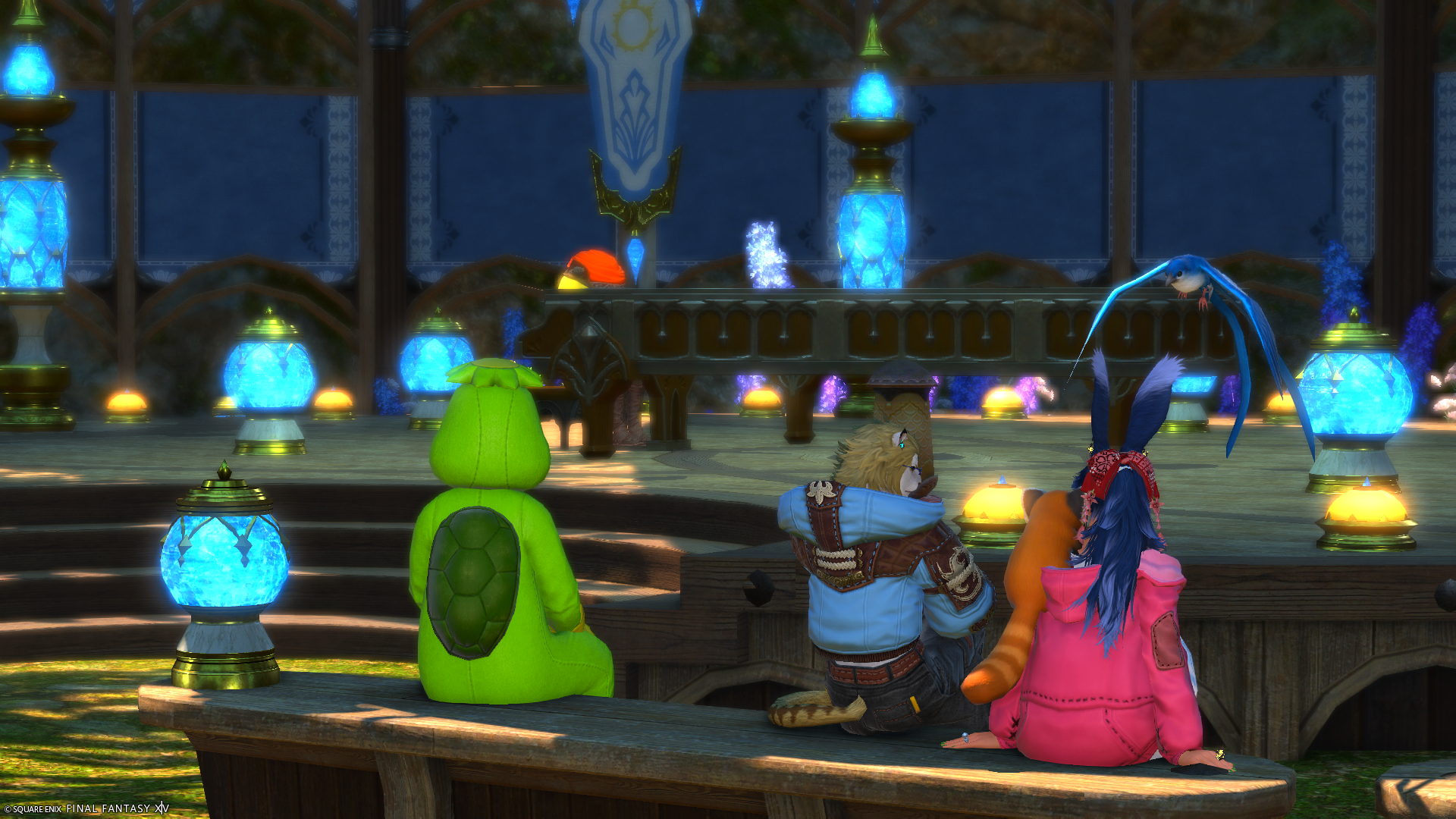
This years’ Rising Event was pretty par for the course – not that’s a “bad” thing really, and it brought back someone from last year’s as well as a few regulars. It was in Limsa again this time, which did in fact throw a loop in our traveling once we realized it. The first half was fun, but I mean if you’ve done a Rising by now, it’ll have felt really similar to the past ones. However, the second half was a curve ball I did not expect.
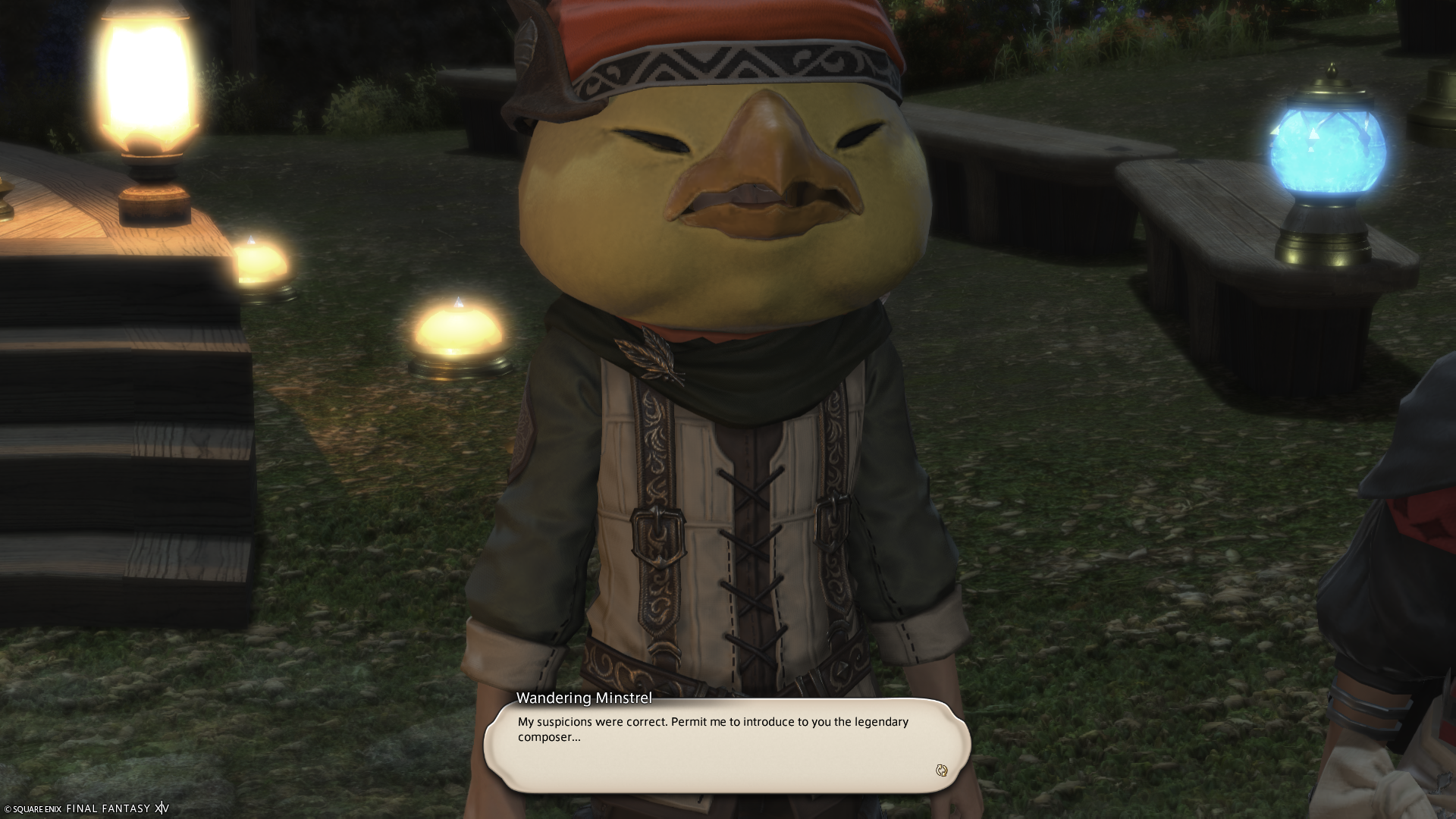
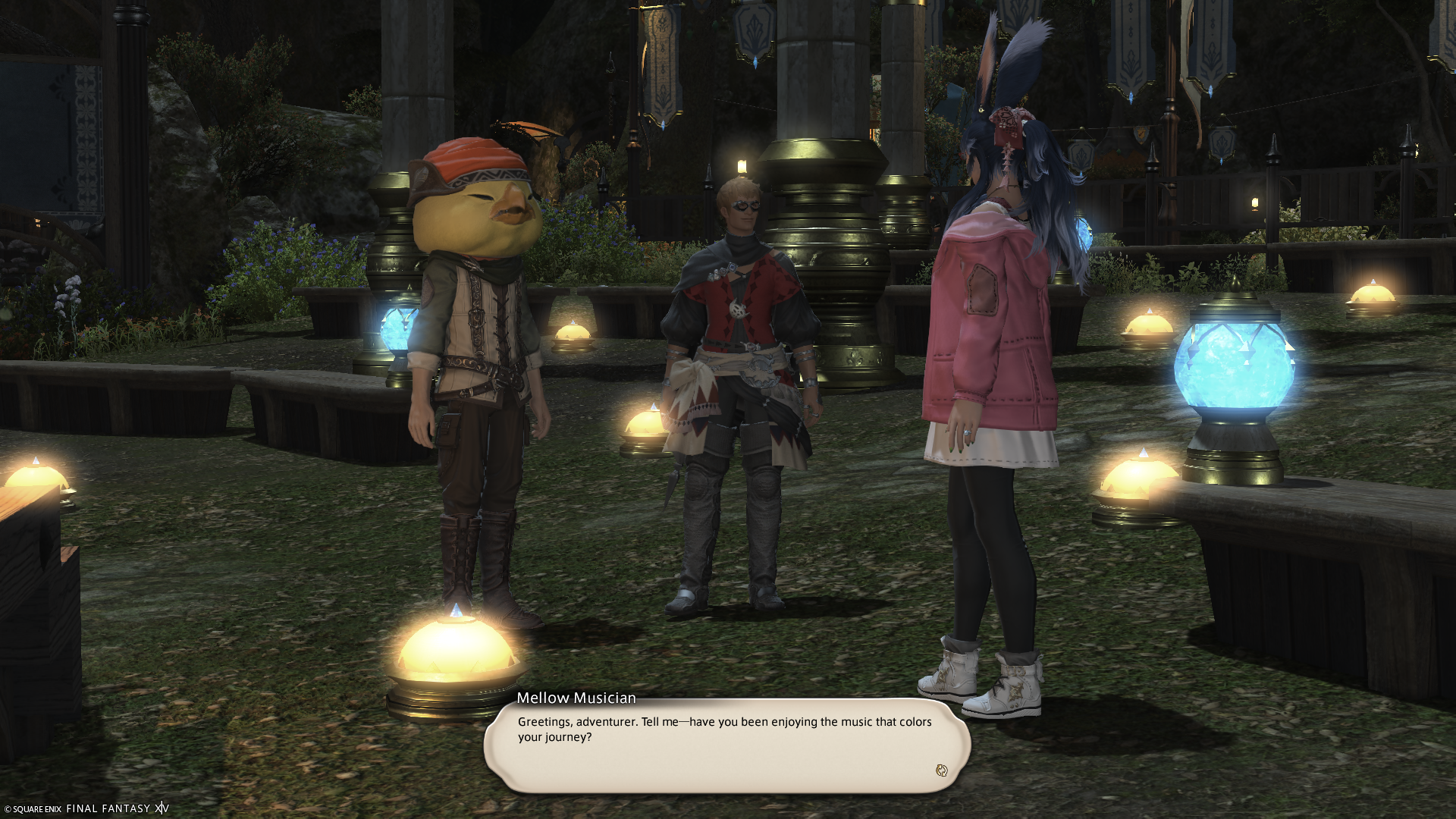
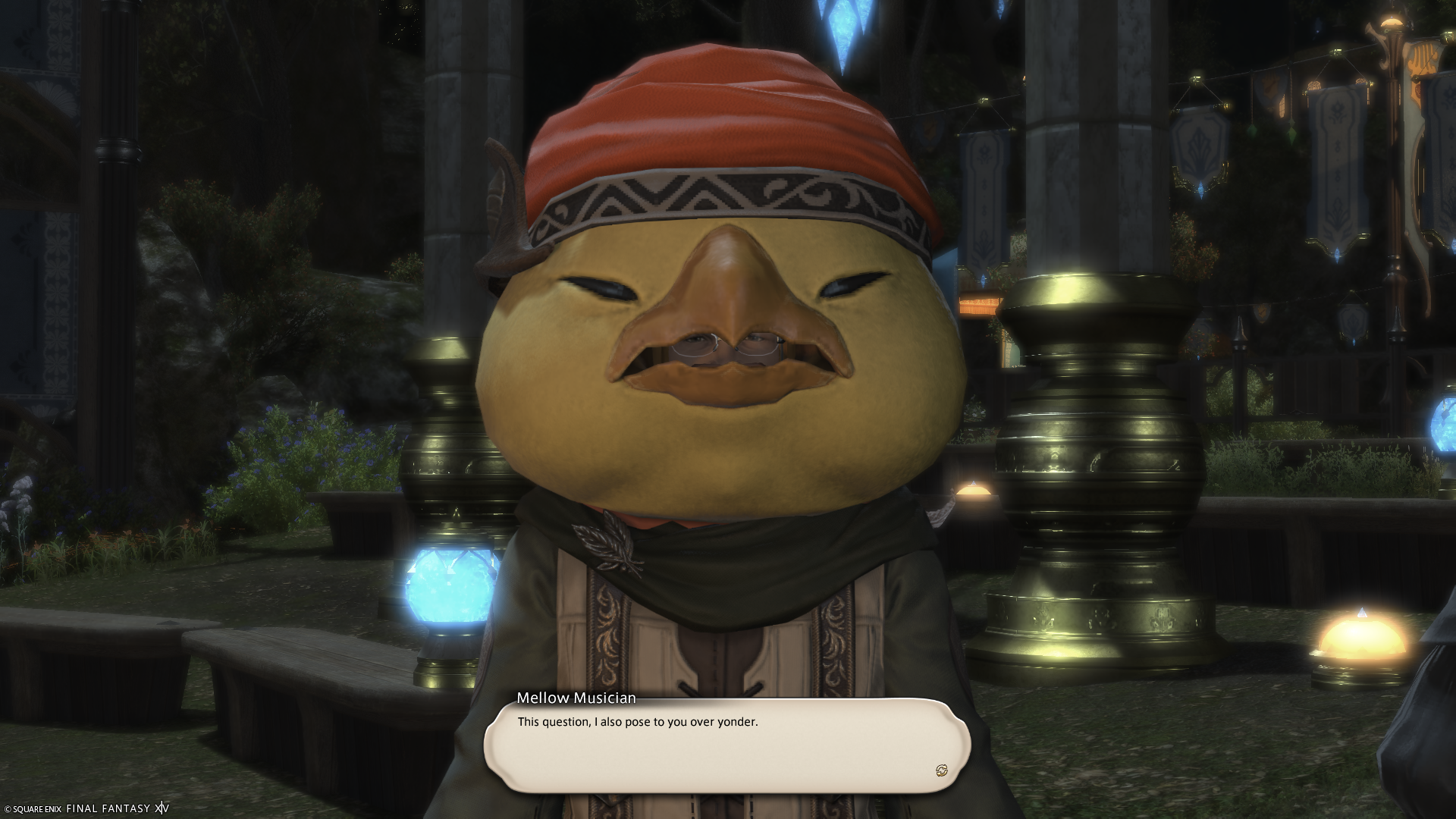
The “Legendary Composer” appears as a special guest this time around, and I was a mess of tears through this I got to be honest. Nobuo Uematsu’s work has touched and emotionally destroyed me ever since I started playing Final Fantasy, so him being here for this year’s Rising just ended me. It really was touching moment, with some other nice notes (no pun) to go along with the chat between the Minstrel and the Legendary Composer.
Evercold is going to do the same isn’t it; Soken has really taken that mantle up and ran crazy hard with it. Hopefully everyone out there got a chance to partake in the Rising event as well! Happy Anniversary to A Realm Reborn!
The Beeg Recap

It’s… been a bit. Been trying to at least post a few things over the last few weeks, but things kept coming up and/or running out of time. Site technical issues as well, but I think those have been addressed now. There’s been a handful of smaller projects from the Fashion Report and now, along with an additional day off for Labor Day weekend – that did help, but dealing with a project I’ve been avoided for 3 years was a regretful idea. At least it’s done and over now. It was nice to lounge around in a catsuit for the rest of that weekend too, and when I can. It’s an odd enjoyment I suppose, but fun nonetheless.
Not really anything super unique out of the ordinary, just mostly the usual sort of routine – one issue is just trying to get my sleep pattern back a bit more sync’d that has kind of had little progress. Being overtired from 12+ hour work days doesn’t help much. Albeit I think the co-owner/boss lighting a fire under my co-worker the other week seemed to have done a tremendous help, which was very noticeable this past week.
Show-wise, just more Lucifer and Star Trek: Strange New Worlds with a dosage of some Mummy Movies (the Brendan Frasier ones) for good (and such fun!) measures. I watched the first two of those over Labor Day weekend and was hoping to do the 3rd that I’ve never seen, but time caught up to me so it was neglected for a future weekend – probably after Strange New Worlds’ Season 4 is done; such a good season so far aside from maybe one episode.
Thefting of the 6th Autos
I’ve been eyeing Grand Theft Auto VI for a spell now, and was leaning towards preordering the feller. Once I saw the extended trailer that solidified my choice and I went ahead to preorder it. This’ll give me a solid 1-2 months to play it before Evercold even comes up on my radar. Why VI as opposed to anything prior to the PS2 games? Since it takes place in Vice City, I have a soft spot for that one in particular as I played the original on PC (yes, the original CD version – not Steam), and had a blast. I even installed Vice City again on my newest PC (via a Vitrual Machine) and modded it up to be playable on Windows 11. This worked surprisingly well, and I have been enjoying replaying it for the most part. It’s not perfectly stable, but good enough to enjoy with only a few crashes due to.. uhh… some assistance with some of the gameplay. Look, I’m sorry, but Solid Granite Car Mode is was way too hilarious.
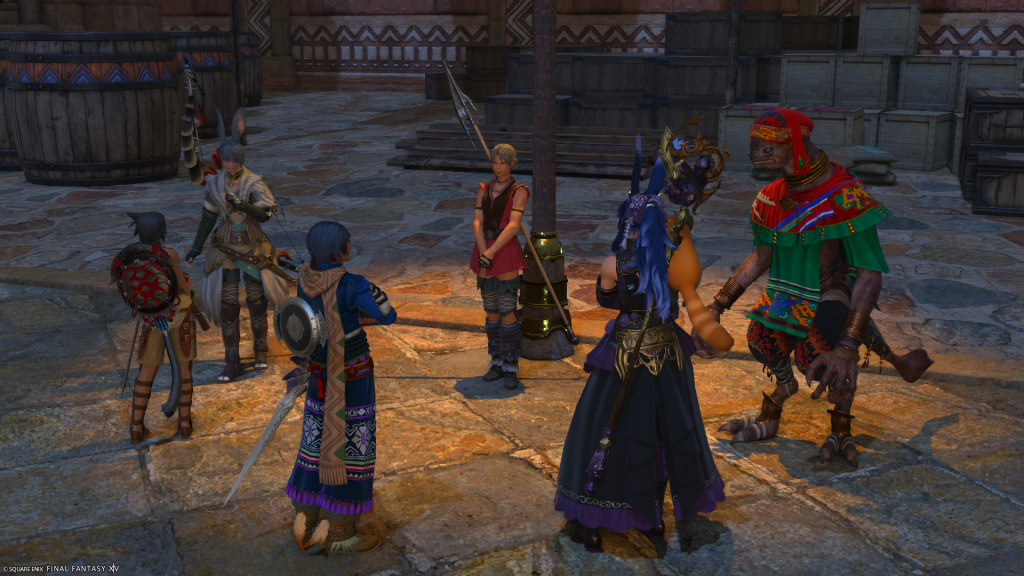
Dawning the Last Trail Before Ever the Colding.
Aiki and I did finish up the last of the Role Quests, and the 7.56 MSQ, more on that later™. The entirety of Dawntrail’s Role Quests was probably my biggest highlight of Dawntrail as a whole. Don’t get me wrong, 7.2 to 7.56 were (mostly) good, but the Role Quests were so well done and far better than Endwalker’s. Nothing will overtake Shadowbringers’, but this was a lot closer to reaching the gap. The Rising Event this year was great, but the 2nd part was an emotional rollercoaster. We haven’t tried Beastmaster yet, nor even attempted to unlock it, but that is on the radar to check out before GTA VI at the very least.
There’s still a lot of short stories that need to be done between now and then too, but one requires Datacenter hopping, so just haven’t had time to, well, time that without getting stuck off of home. It’ll get done, just 3 or so left before the big cousin departure. Some of these newer screenshots give off a subtle spoiler as to how it ends. I doubt decorating will get done before Evercold unless I spend all of October 30th doing so (doubtful, but we’ll see!)
I think that catches it all up from the last time, we’re in season here so it might get a bit scarce on posts unless I can really curve my schedule to return to what I’d like it to be a long spell ago. Just glad I can chat when I can here, and thank everyone for their patience. Hopefully everyone is doing well out there!
Kick tails this week!! Y’all got this!
Sisters’ Fashion Report Adventure LXII
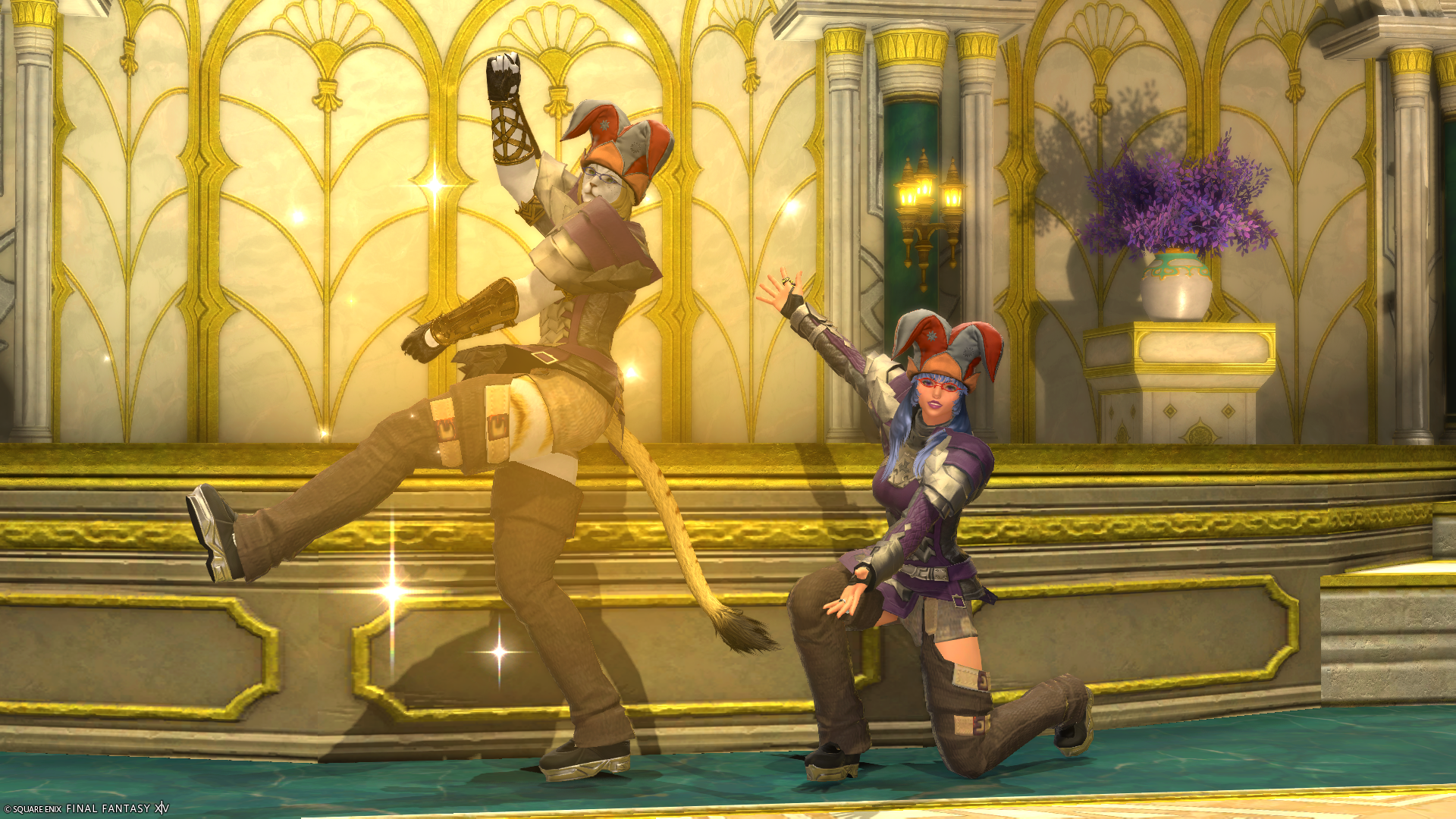
Episode LXII! – We are. Absolutely. Positively. Serious. Business.
Yes, really – we’re not anything else, nope, nadda.
Moonfire Faire 2026
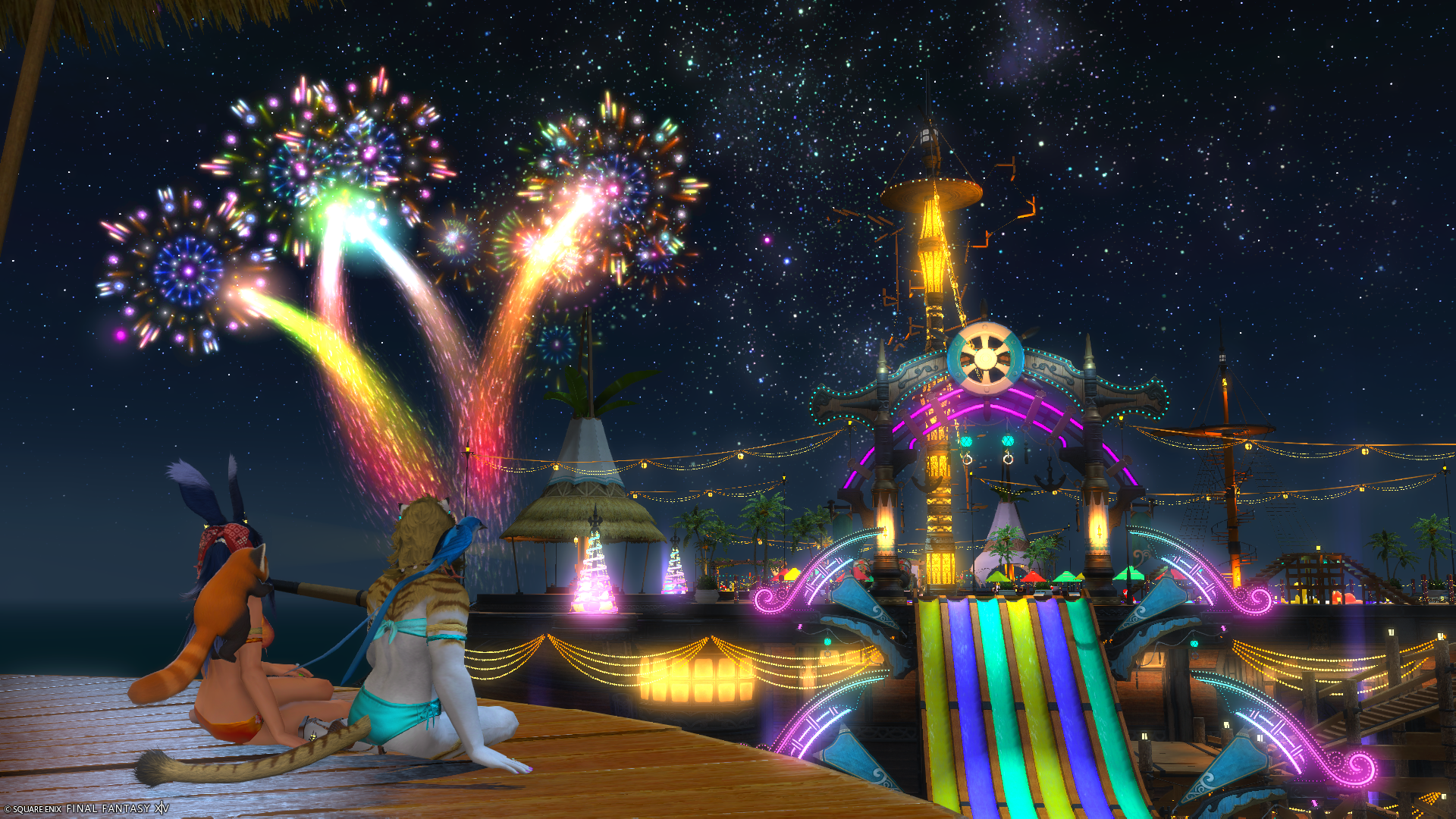
As I mentioned in the recap, Aikirees and I went on over to partake/enjoy the Moonfire Faire this year. The actual quest for it was really quick – probably the quickest one for the entire year thus so far. This isn’t a bad thing, but it’s mostly to go and see the party boat again, jumping puzzle, a new platform that’s only accessible via cannon (yes lol), and the fireworks. The splendor of it all makes it so fun an magical.
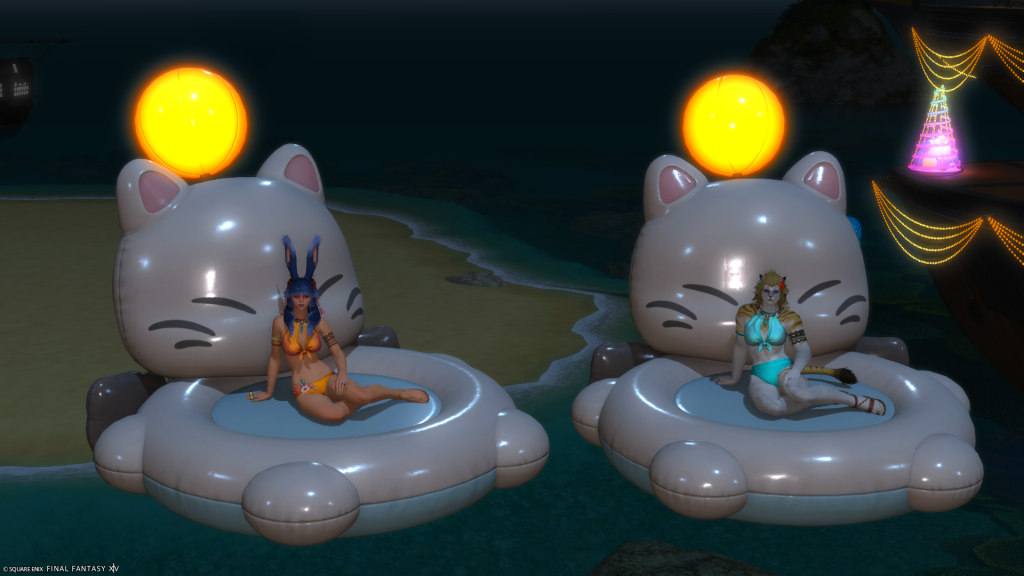
We didn’t really stay all that long, but just long enough to see who would appear after the quest was over as per tradition when we go out there to enjoy Moonfire. We did try our luck on the cannons to get over to the new platform, but that didn’t go all so well. Might have stayed a bit longed at the pool, but we we’re off again to begin the Role Quests soon thereafter.
Happy Moonfire Faire y’all!
Glow Up
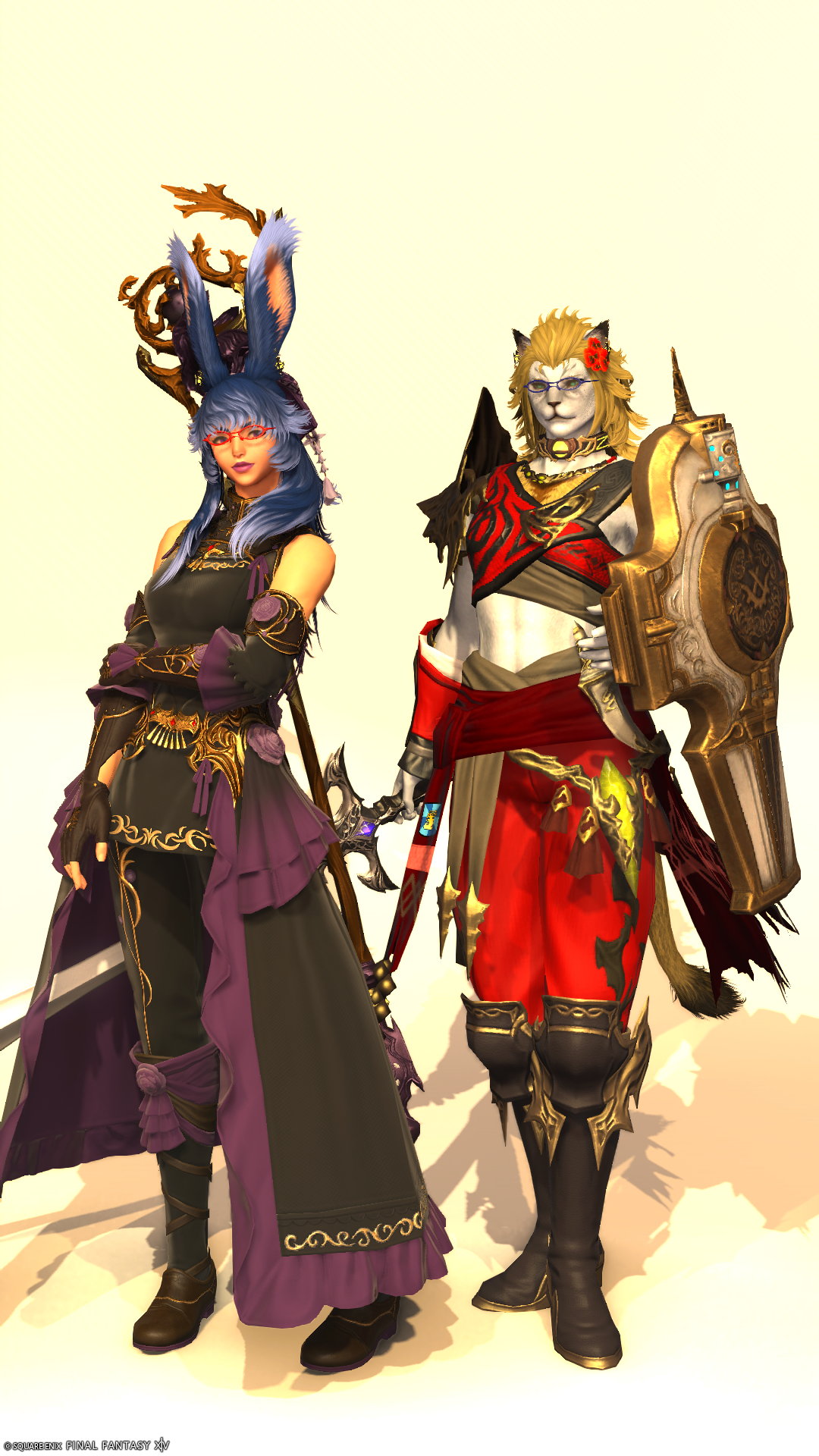
I’m pretty sure it’s been 3 or so years since I adjusted any of my outfits, but I know Aiki has been making adjustments ever since her transformation. My new Black Mage outfit is heavily garbed in a more recent set, the Courtly Lover’s, but specifically the Samurai variant. Meanwhile Aiki’s Paladin look takes on a few from the True Griffin set with a couple of other items like the gamblers gauntlets to finish it out.
She still continues to hold on tight to her shield as a memory to the first close friend she ever made while adventuring through Eorzea during Stormblood that ended up just simply poofing one day. Meanwhile I continue to use the branch-leaf staff that I have been using since Shadowbringers.
Okay, Maybe Not
Thought I was getting back into the swing of it, but it got a bit out of normal-range again. This weekend I decided to take a 3-dayer and get re-anchored a bit again. It worked quite well and I have sprinkled a couple more Fridays as off-days for the rest of the year. Now if the office would plan around it a lot better, it would be good.
Kind of the ‘usual’ in terms of what was done over the weekend with probably the most notable being starting the first Octopath Traveler again after putting it down when I started to play Final Fantasy XIV back in 2019, and it feels good to see this game again. Albeit this time around is on the PS5 as opposed to the Switch from the first go around, but same path I did back then (since I never finished).
Aiki and I started the Dawntrail Role Quests finally, and I dare say I’ve enjoyed these little mini tales far more than I did the entirety of Dawntrail before 7.2. We also paid a visit to the Moonfire Faire event happening, which was fun and quick. Overall the time returning to Eorzea has been a pleasant one for the most part. Watched some more Lucifer and teh next episode of Strange New Worlds – the season continues to deliver solid episodes for certain!
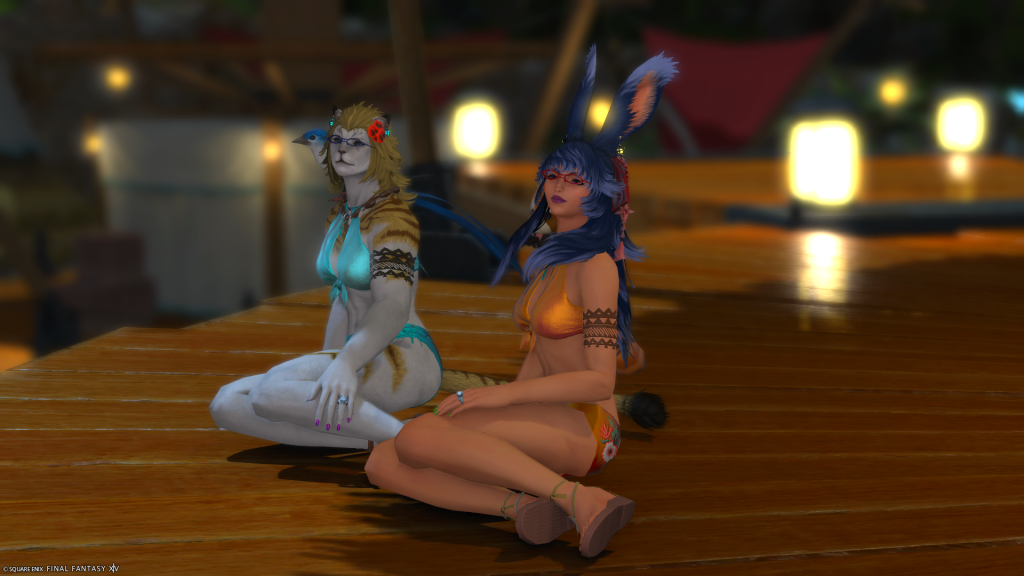
Also watched The Ribbon Hero, and that was an emotionally amazing movie – highly recommend that all on its own. Grabbed another catsuit & unitard, so that’ll cover me for a long, long spell now. It’s been a productive weekend for certain.
Haven’t gotten to part 2 of the Dragon Tails yet, but soon – it requires some datacenter hopping and I started to think about the EOCA story again as I still really want to get that out here. Eventually I suppose, but for now, it’s still kind of tabled.
Hope everyone had a great weekend and that y’all have a very wonderful Monday and week ahead!
The Last Map
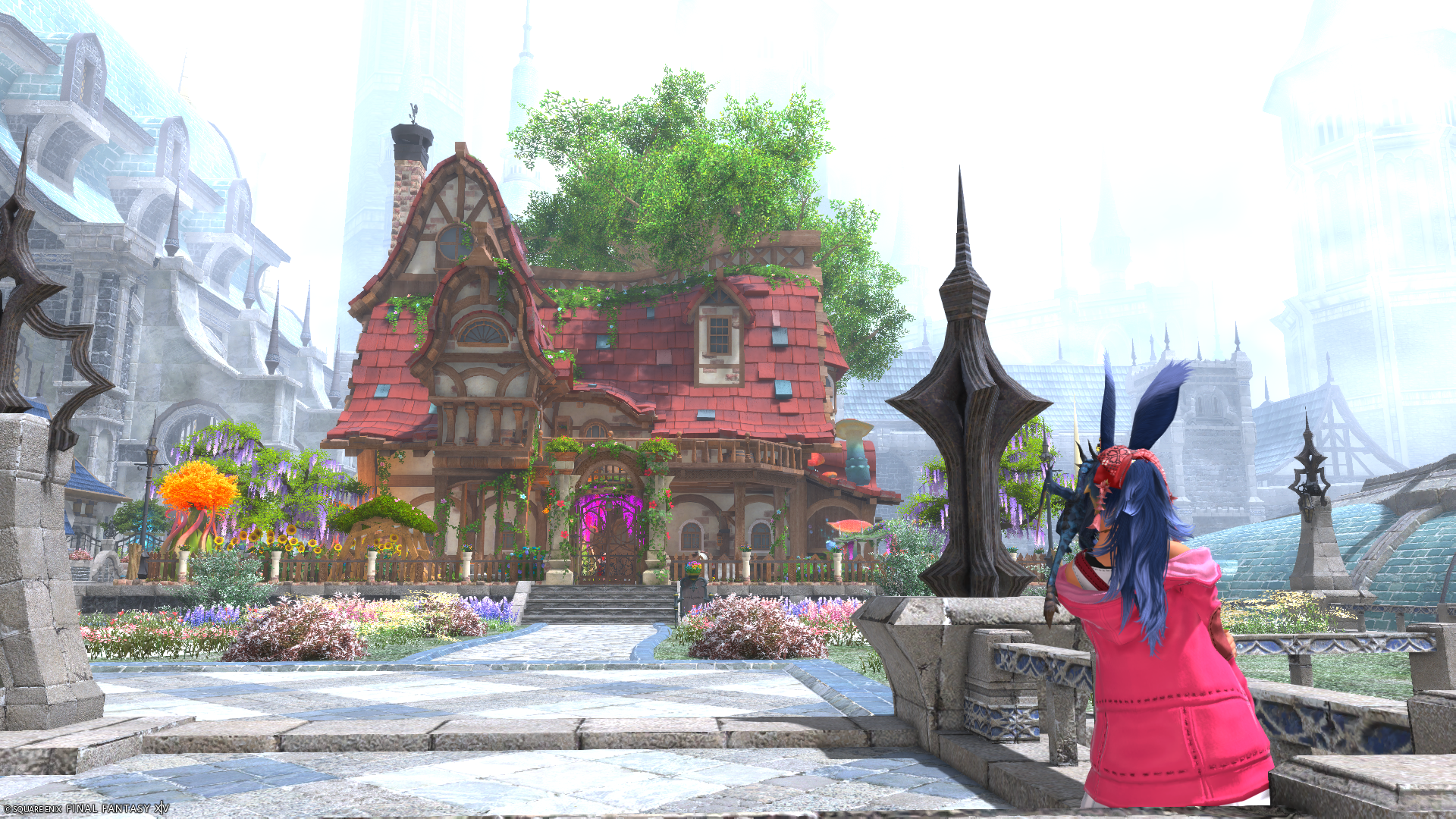
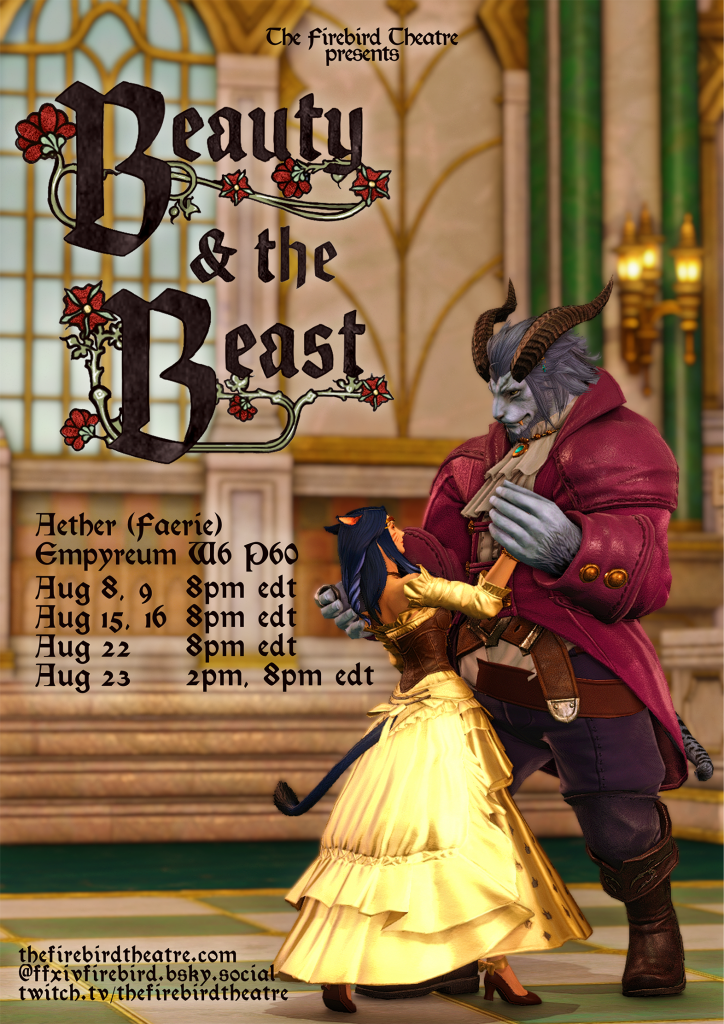
So, I don’t typically do this, and if you’ve happen upon this post based on the search algorithm, let me redirect you to The Firebird Theatre’s official site for performances and showtimes. As of this writing they’re putting on Beauty and the Beast for all of August, and I do intend to go to one of the showtimes, but just not sure when.
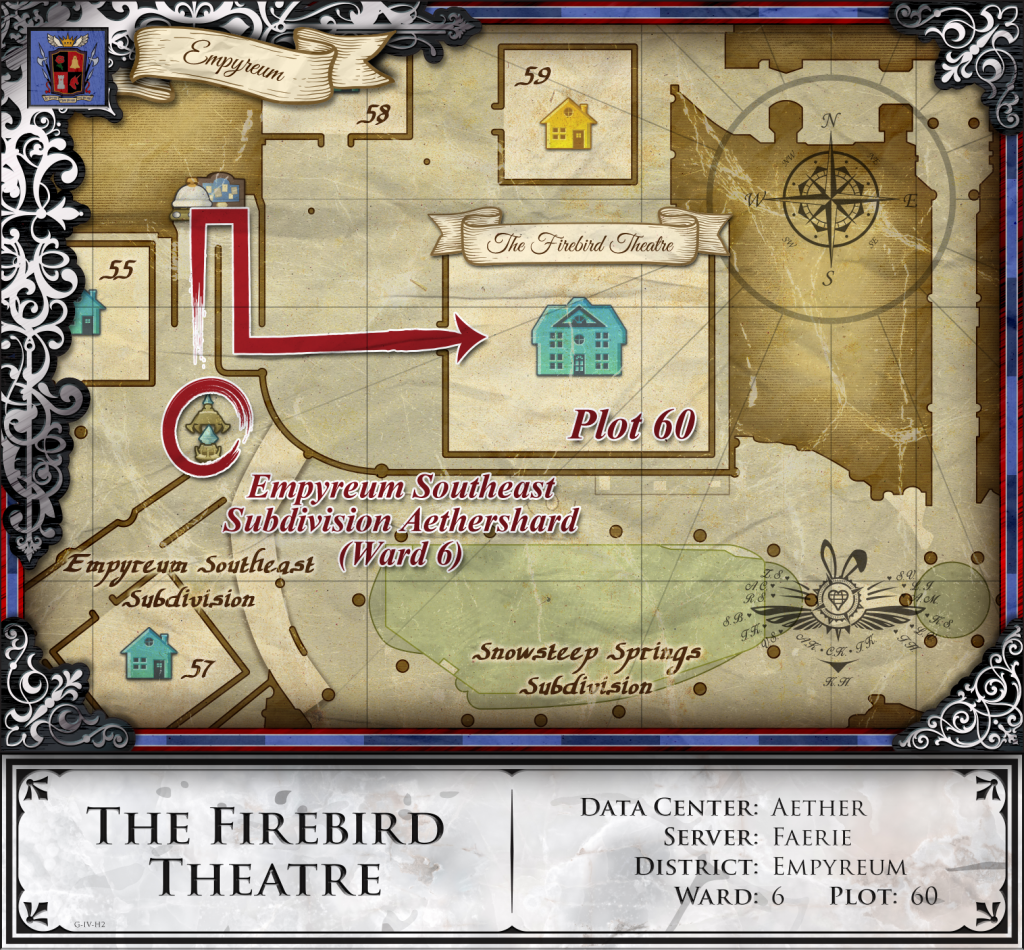
Years ago when Eorzea Cartographers was active and I was making maps for venues, I made one for The Firebird Theatre. To my understanding this is one of the the last known venues in the community that uses what ended up being the last map I ever created.
Eventually I’ll explain why and the unique crest that is placed onto said map, but this is more just a humbling remark to something I created for the community still being used to this day. I made a lot of maps for places from 2019 to 2024 – before I physically couldn’t do so anymore, and never asked for any sort of credit or compensation – just the fact I made them and it helped in some small way get folks to places was what made it all worth the effort.
Over the years I improved on them for my own reasons, with Firebird’s being the ultima collection of said work before my arm finally gave out. It’s really such an honor to see one still being used.
With that, however if one is still reading, please check them out and give them some loves – watch a show or two and enjoy a part of the Final Fantasy XIV community that has really lost a lot of support over the years.
I wish I had the arm strength to do one more or so for places like Nyah who have folks still there that have always supported me. I digress however; grab a friend or two, hop over to Faerie, and enjoy the shows!
Dragon Tails: Planning
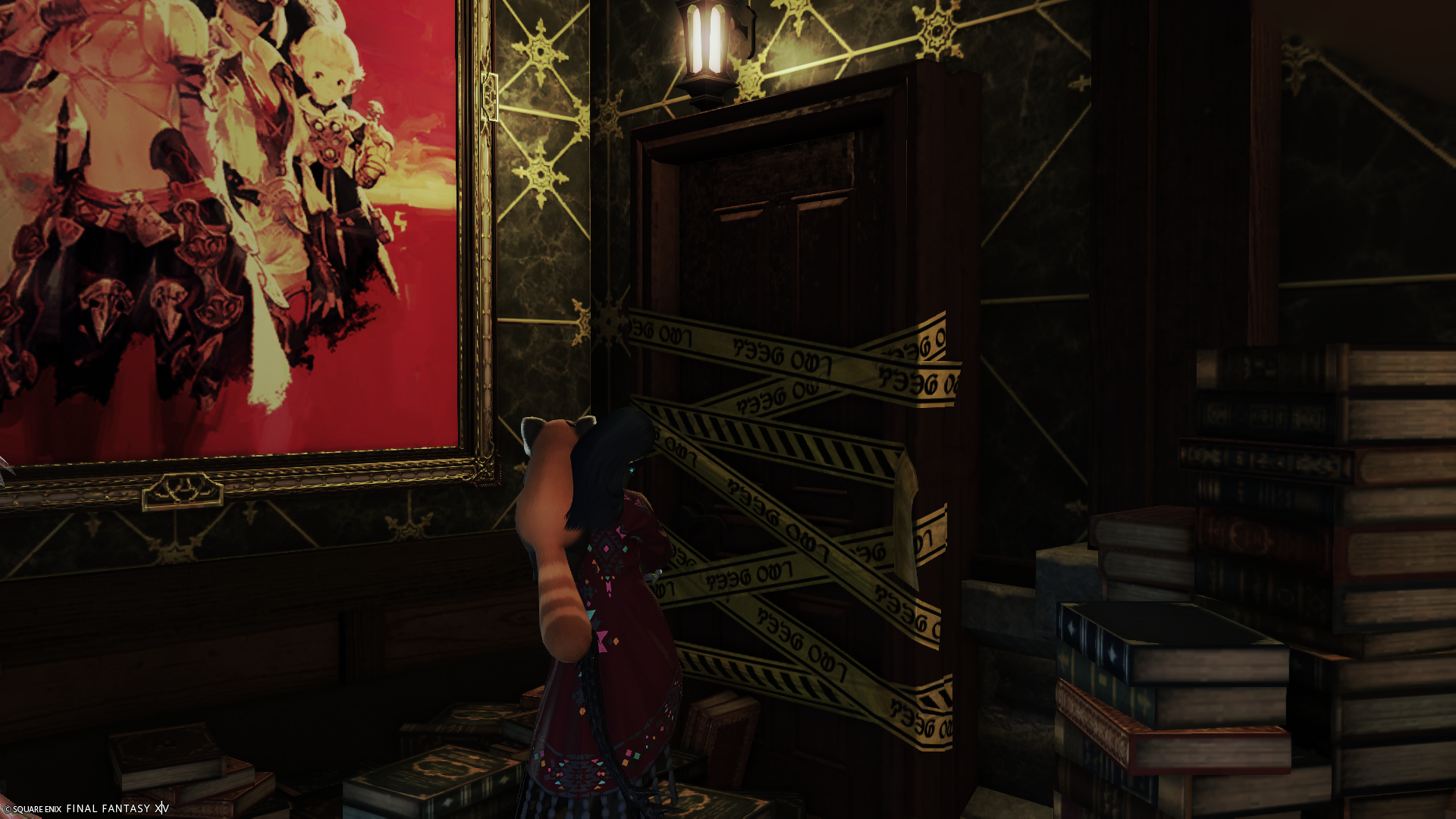
Laureine approached the Forbidden Door held within The Archives, contemplating where to go within the halls this night. After discovering Elizara in a scroll many moons ago, she has had an urge to return and explore as much as possible every night. Hesitating wasn’t really her strong-suit with science involved, but she still did this night.
“So, this is where you keep sneaking off to.”
A voice behind Laureine startles her to the point of giving her a jump of a fright with a quick squeak. Laughter echoes in the common area from a very familiar voice.
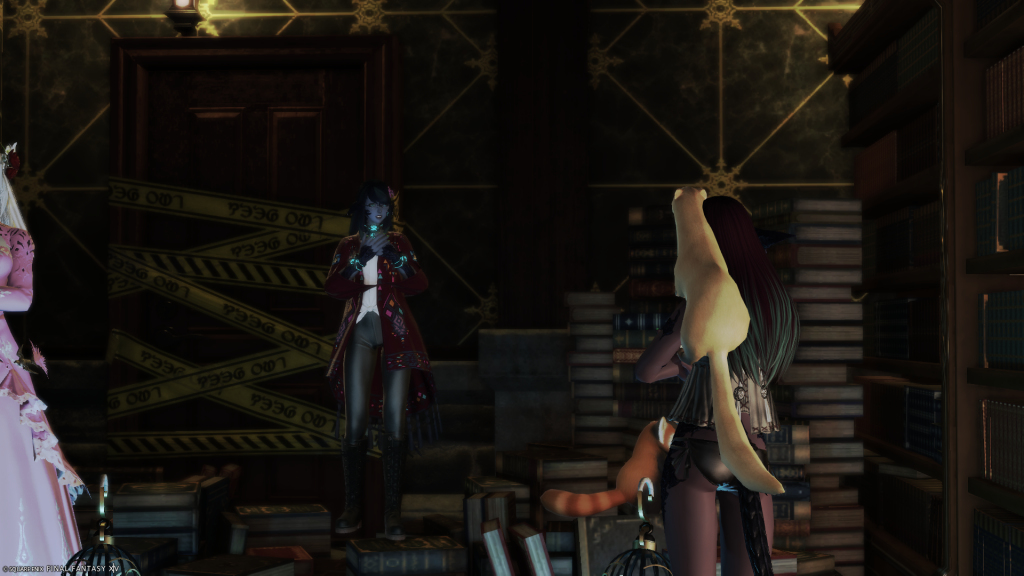
“C-Cuz!?”
Lizicus, standing there confronting Laureine in her night gown.
“Duh, who else would it be?”
Laureine, pausing for a moment catching herself and coming back to reality.
“W-why are you awake!? Weren’t you asleep?”
“Well, yah, until the former little Missus hit me with that broom of a tail heading outside for whatever reason.”
Laureine couldn’t help but give out a soft chuckle.
“Sh-she does have quite the tail now, but why are you here?”
“I heard noises from The Archives and was curious.”
Laureine paused and thought for a moment.
“That’s… forward thinking for you.”
“H-hey!”
Laureine laughs.
“But seriously, Cuz, why?”
Lizicus ponders for a moment.
“…Are you… planning on heading back in there? On your own?”
“Well, I–“
Laureine pauses and falls into a loss of thought.
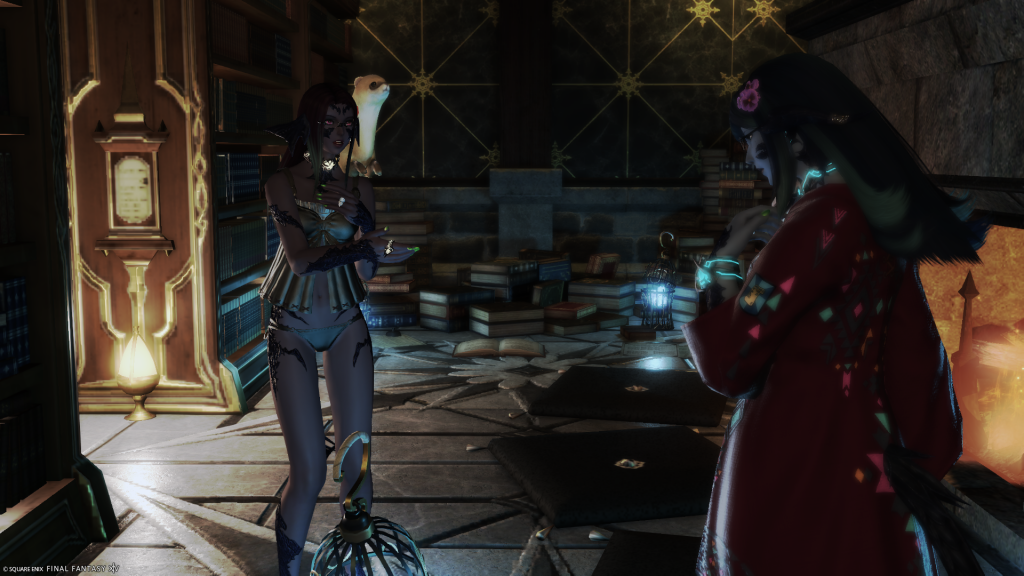
“…Let me come with you.”
Upon hearing this, Laureine is unsure how to react.
“Di-did I hear you…”
Lizicus nods.
“Duh, come on, let me join you!”
“…But what about here? Don’t you want to keep sleeping and doing your own thing while I’m away?”
Lizicus shakes her head in disagreement.
“Not if you’re not there, I’m only here because of you. Otherwise, I’d still be over in Othard.”
Laureine pauses to think on this; Lizicus is right in this regard however. Lizicus being free caring over in Othard only surviving on a whim and wherever the winds take her and no main objective or purpose, only for Laureine to have ‘recruited’ her for assisting in Cartographic related projects. With that all over now, Lizicus seeks a new purpose.
“W-well…”
“Cuz, come on, let me come along. You know I can be of help and I can swing a mean sword or fork.”
“T-that is true.”
Laureine pauses again to process this offer.
“Well. Alright, get your belongings in order; we’ll not return for a time, and I’ll go ahead with my final errands. We’ll meet back here in a few moons for departure.”
Lizicus jumps for joy.
“Aww yeeahhh!! Let’s DO this!!!”
The two depart the common area of The Archives with an agenda in order before their ultimately planned departure. Little do I know what they are planning just yet…
Getting Back to It
A Monday recap!? Yeppers, back maybe? We’ll see.
It was kind of the usual hodge podge, but aside from sleeping in a bit too much, was alright. Started Season 4 of Strange New Worlds, which is rock solid thus so far. Aiki and I did actually return to Eorzea for a moment to catch up on some things and to just see how it was going, and honestly it was pretty nice/relaxing.
With trying to ease back into it, and the Cousins are planning their departure along with all of this, has the two of us planning our path to Evercold, so it’s good but it’ll be slow until late October more than likely. Not a whole lot else aside from that. RL is still crazy as ever and now we’re heading into season/school again so it’s just going to ramp up once more. It’ll be fine with safeguards, but weekdays will never be like they once were.
Kick tails this week! Happy first week of August! Y’all got this!
Cold of the Ever: Berlin
I watched (after I got up) the opening to FanFest: Berlin over the weekend, specifically the keynotes for 8.0+. Thus so far just about everything they’re adding or adjusting I feel pretty positive about. Adding in regional match-making prior to 8.0 will be a very nice boon to just about everything. I kind of also forgot 7.55 is this week too, but being busy with car headaches and other games, it just escaped me. To be honest, haven’t really even been around since Aiki and I got our last coin from Windurst.
We still have a bit of things to do, so we’ll have to return soon(ish) to take care of things and wrap everything up. I’m segwaying however. So, all of the new QoL and adjustments being added sound good, but I’m kind of mixed on Final Fantasy VII being the raid focal point – I mean, I get it since it’s one of if not the most popular Final Fantasy, but what concerns me is it’ll be aggressively placed in like how Final Fantasy IX to an extent was done as opposed to Final Fantasy IV or VIII with the Eden series. It’ll be a fun time regardless, but just a personal nitpick.
The Evangelion series I am so looking forward to, and the new addition to the Gold Saucer sounds like a lot of fun with the new typing ‘battle’ minigame plus rewards. Chocobo changes are great, which now means we need to get off our ears (and tail!) to actually finish leveling them for 8.0. HQ’s front yard is about to have an addenda soon to assist as well. There’s still other other other tasks and stories to finish up, so hoping with Hell Month ending and the car fiasco (mostly) over with, I can start to focus on all that again.
Beastmaster we’ll probably unlock, but not sure how much effort we’ll put into it – it does sound fun however. Hopefully back to somewhat regular posts here soon, in the meantime kick tails this week!
Ugh
It’s been a minute, and with it just a whirlwind of RL stuffs along with it. Overall mostly good, but now we’re in what is simply dubbed “Hell Month” since one of the owners is out of the country to visit family for the next month or so. The other owner will be doing the same in a couple of weeks (but only for a week) so that’s really going to be rough.
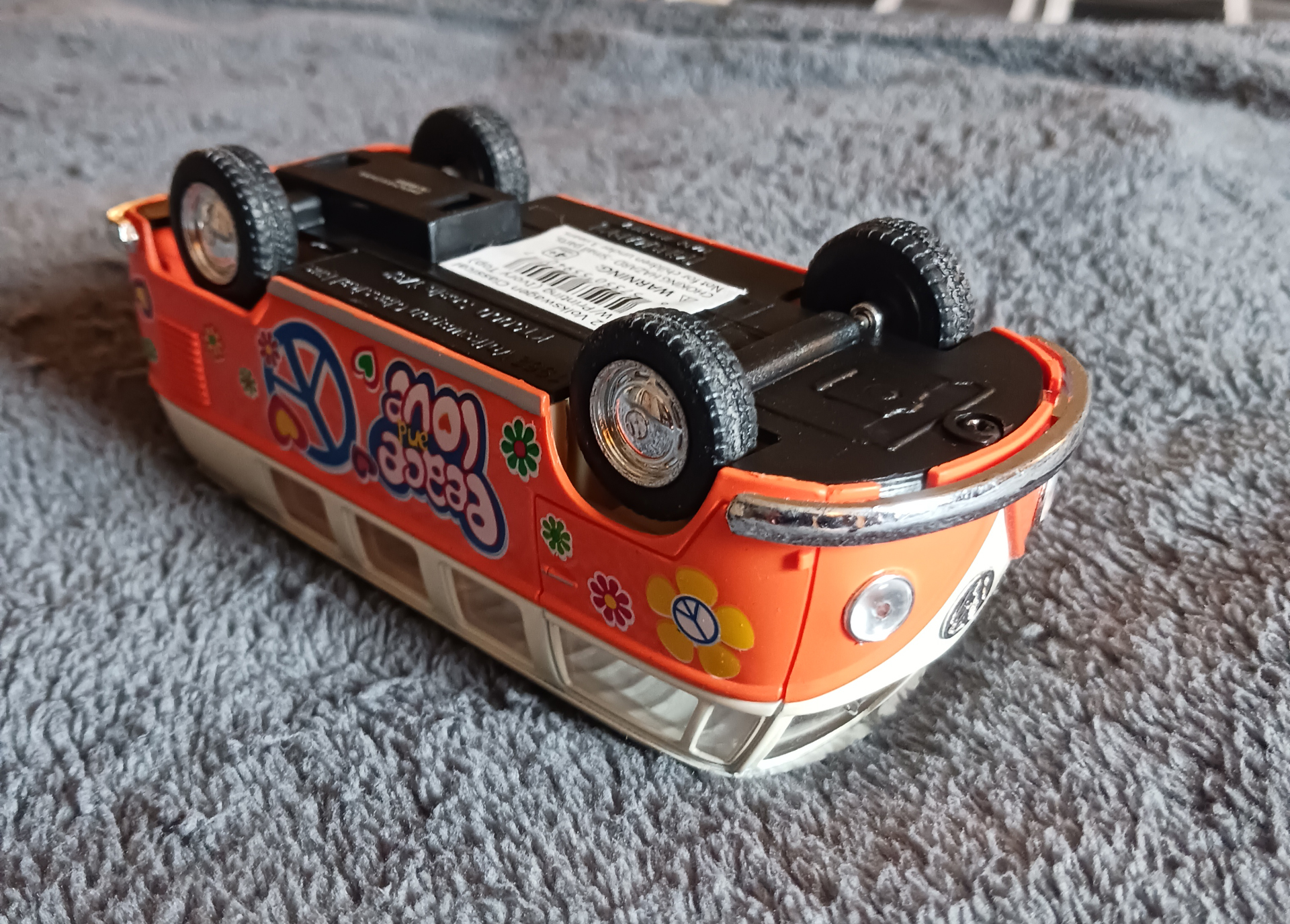
On top of all that, last week I was involved (not the fault of) a 5-car accident. Everyone involved is fine and it was a fairly civil incident except for a couple of onlookers being brash asses – Florida courtesy, am I right? As a former traveler who’s been to 46 states all by road, if anyone asks me was the ‘worst city is to drive through’ my answer is always just ‘Florida.’ You’d be surprised how many folks are surprised by this as it’s surprisingly not L.A. Those are stories for another day.
So, with that whole accident, my car of 16 years was decimated beyond drivability and as of writing this uncertain as to how much the damage cost will be. I’ve been on and off with insurance phone calls the last few days so thank the Twelve for my earpiece so I can continue to work, but it’s been just another level of exhaustion on top of Hell Month. The silver lining is I already have a plan post-vehicle, so once this is all addressed, I can pull the trigger and move quickly into getting over all of this. Just… all the memories and traveling I did in that car make that vehicle worth as much as my house in sheer sentimental value and I don’t think any other vehicle I personally own will do such travels ever again and that makes me really sad.
I’ve been to all parts of DFW in that car, so many journeys with old friends, been to Austin and back multiple times, and even took it halfway across the nation to get to Florida for when I moved here. It’s been a wild ride with it and now it’s more than likely all over unceremoniously.
*sigh* Y’all kick tails this week and hopefully y’all have a wonderful 4th of July weekend ahead!
Rocking Along
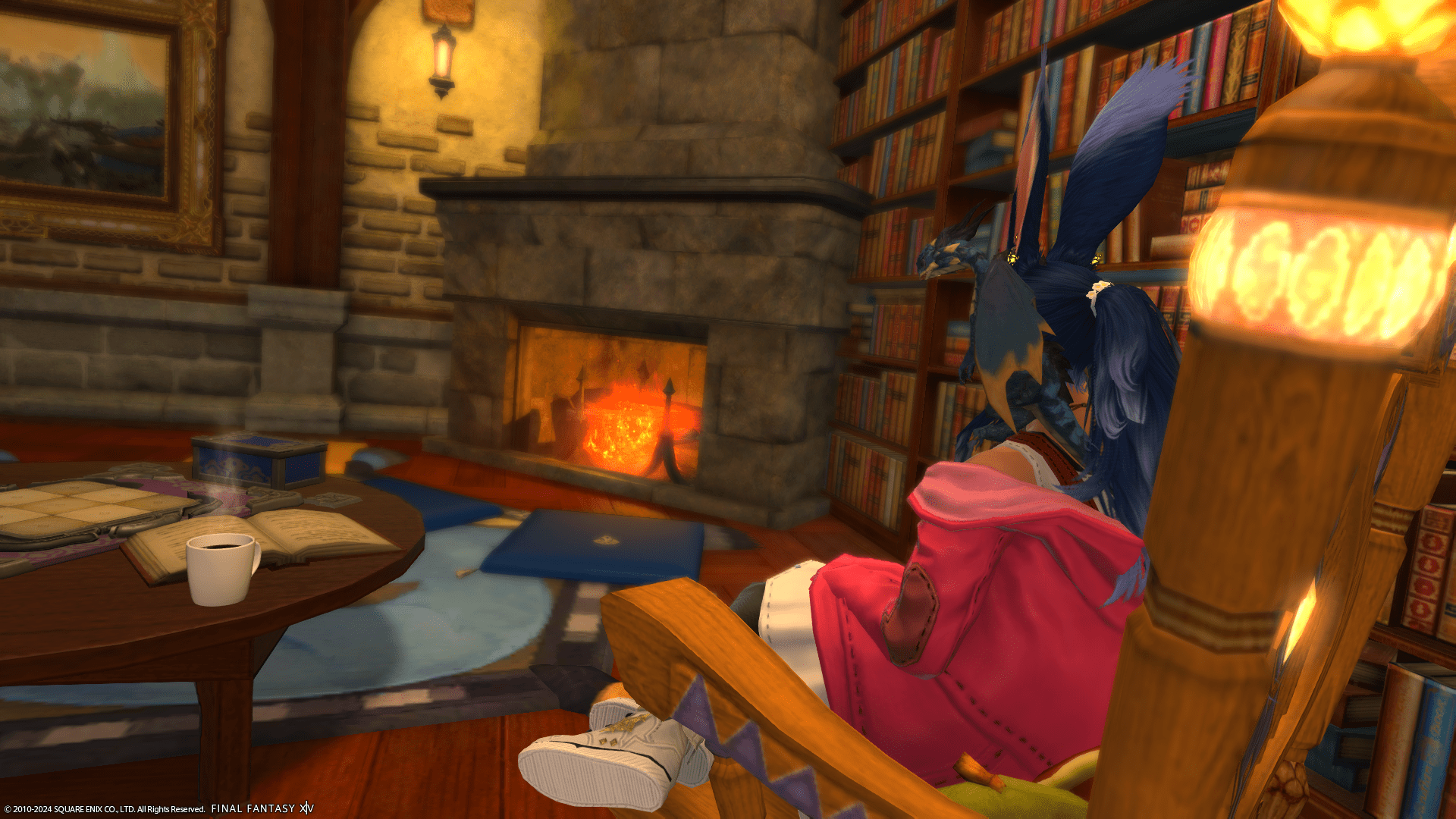
I kind of been “dropping the ball” per se with updates and posting, but I’ve kind of been redirecting my weekend energy/time to other things. I’m fine though, everything is fine just kind of par for the course right now. That in itself is a bit off since it’s supposed to slow a bit in the summer time, but there has not been any slowing of momentum – this is both good and bad, but mostly annoying as to how it has been handled.
I could go into a whole ordeal of a discussion about that, which in itself won’t make me feel better nor change anything so just best to go with it. it’s a paradox of a feeling as I’m at a point in my industry where I do in fact like what I’m doing, but if the projects were handled juuuust a bit better, then it would be darn near perfect. That being said outside of it all, there’s been other projects I’m starting to begin to focus on since my main big one for the year got shot down due to vehicle repairs.
Downtime has been consisting of the usual: working on some home office projects (server, some personal doodles, etc), a little Final Fantasy XIV, some Genshin, and a lot of Neverness to Everness. Final Fantasy XIV in particular I usually will return along with Aiki once or twice a week to maintain things as well as some minor weekly tasks, and that has been fine. We still have a long way to Evercold, and I’d rather be adventuring when I feel like it while in the meantime playing other things (like NTE in particular) that have been just oodles of fun. Last night tacking care of small tasks kind of felt… you know that feeling when you go back to a place you just moved out of and you’re there for the very last time and get that mixed feeling? It kind of felt like that.
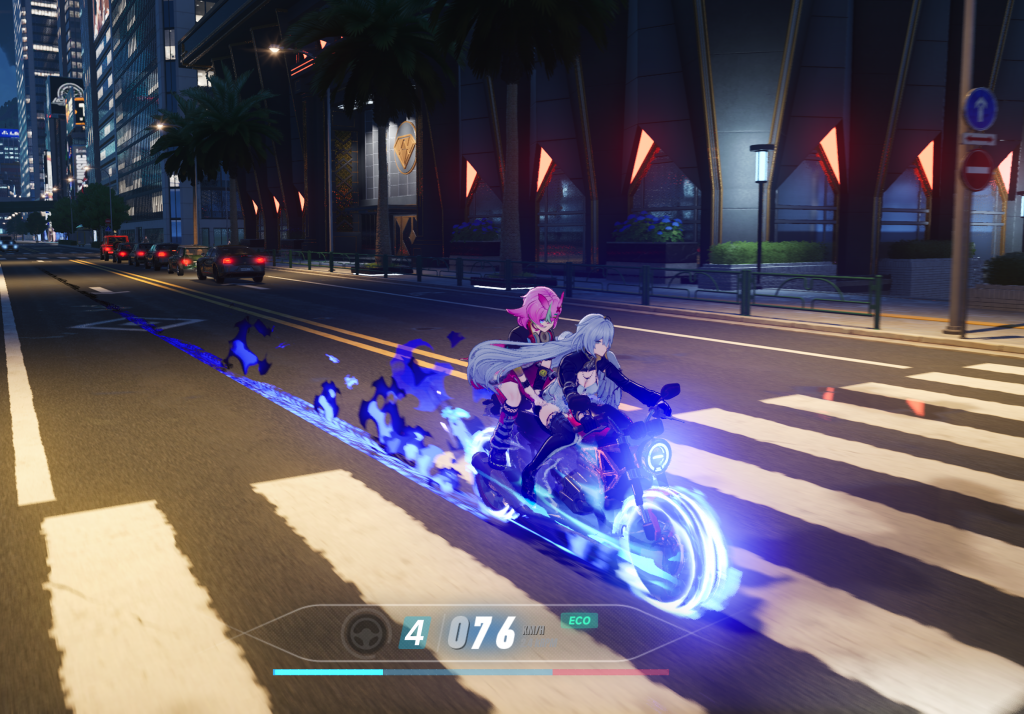
It’s not all melancholy I assure y’all, and the Saturday evenings have been great (sans mistiming a certain galaxy bound plumber’s release date). Got a new catsuit and lived in that for a weekend. Also slowly getting able to have time to work on the trains after what feels like an eternity. Finished Cuphead and now on to Lucifer since I never finished that while waiting for Strange New Worlds to come back soon.
I think that’s enough rambly updates for this one. Y’all kick tails. Midweek~! Almost there!
Lonely Piano
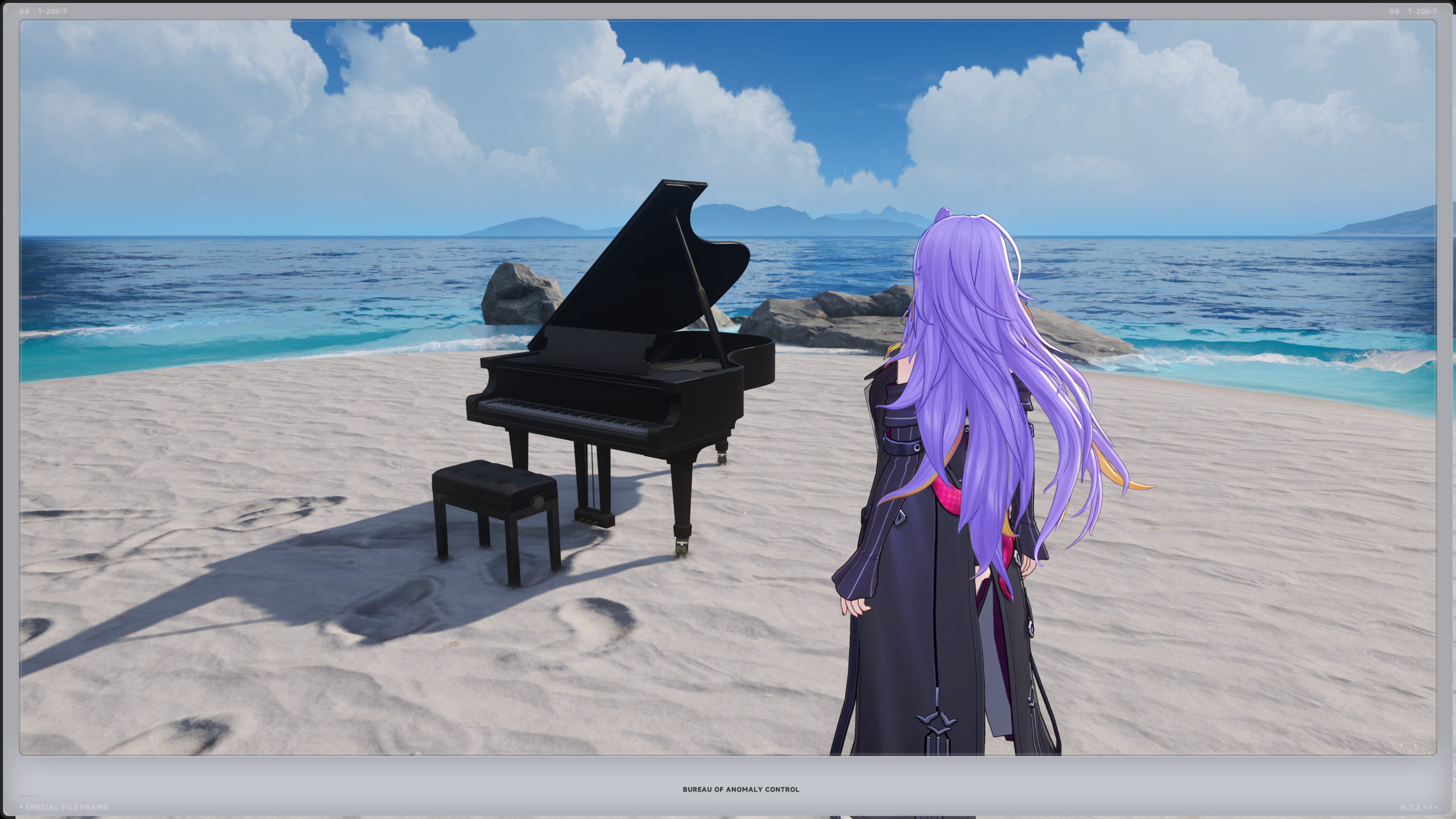
~A Lonely Grand Piano Sitting Idly on a Beach~
Who put you here?
Why are you out here?
How have you not sunken halfway into the sand?
Do tides affect you?
…Why has the ambient sound of the ocean magically changed to serene music!?
Will any of these questions be answered? Only time will tell, or perhaps not.
Happy Monday y’all!
A Mother’s Weekend
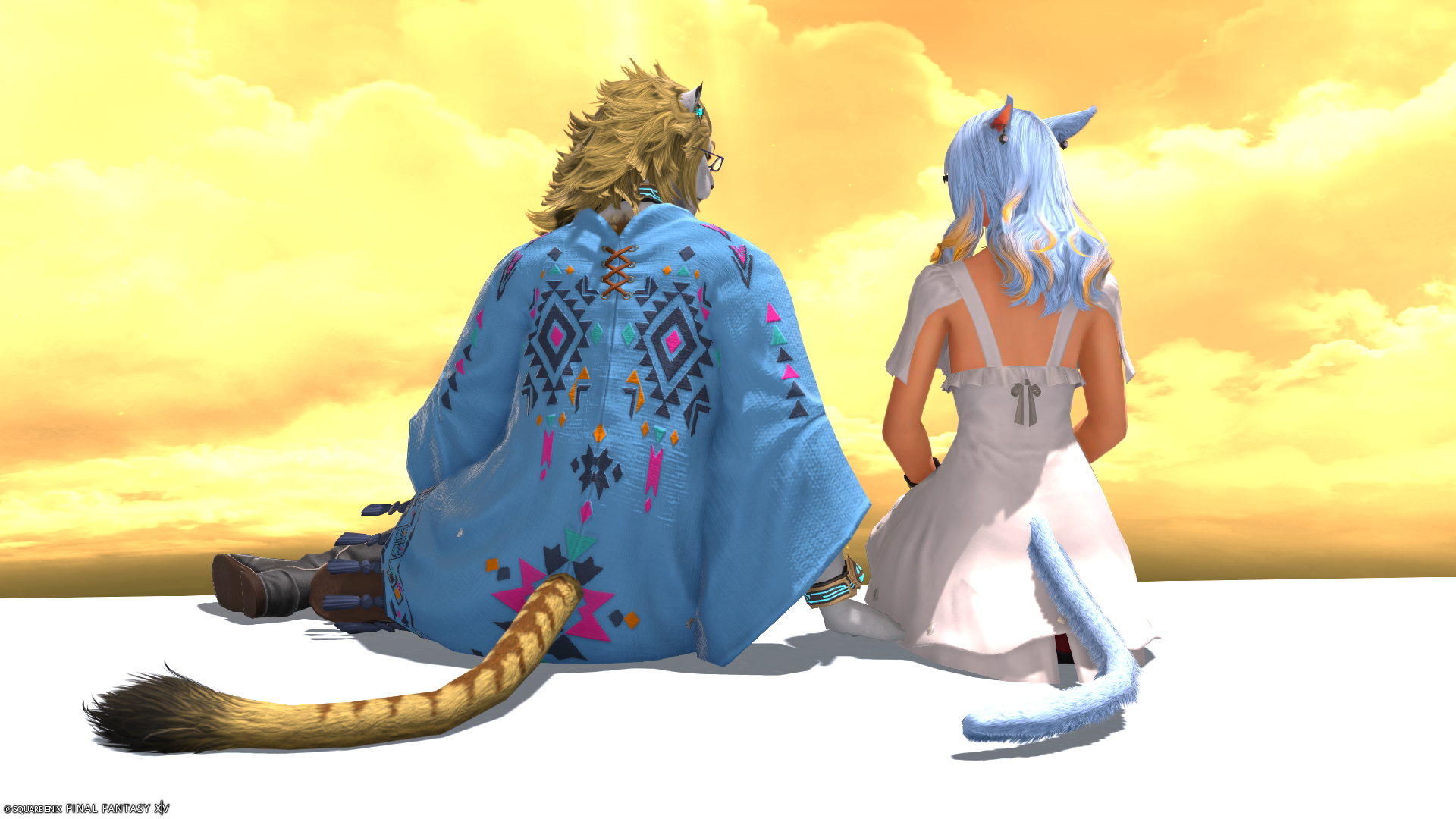
Between last weekend and everything else happening, I just didn’t have time to talk about anything last week. I think I had a post window open at least twice during the week only for it to be squelched by interruptions. Mother’s Day Weekend versus this weekend were basically two sides of different coins. Mother’s Day weekend was bonkers busy celebrating both the namesake as well as Mama K’s birthday, so it was a great time overall but it did tire me out.
Whereas this weekend was a lot more relaxing working in the home office and catching up on things. Added some more music to the server and watched more of the Cuphead series, and that’s been overall enjoyable. Next weekend will be Super Mario Galaxy as I believe comes out the 19th so will be looking forward to that for the Saturday night main event.
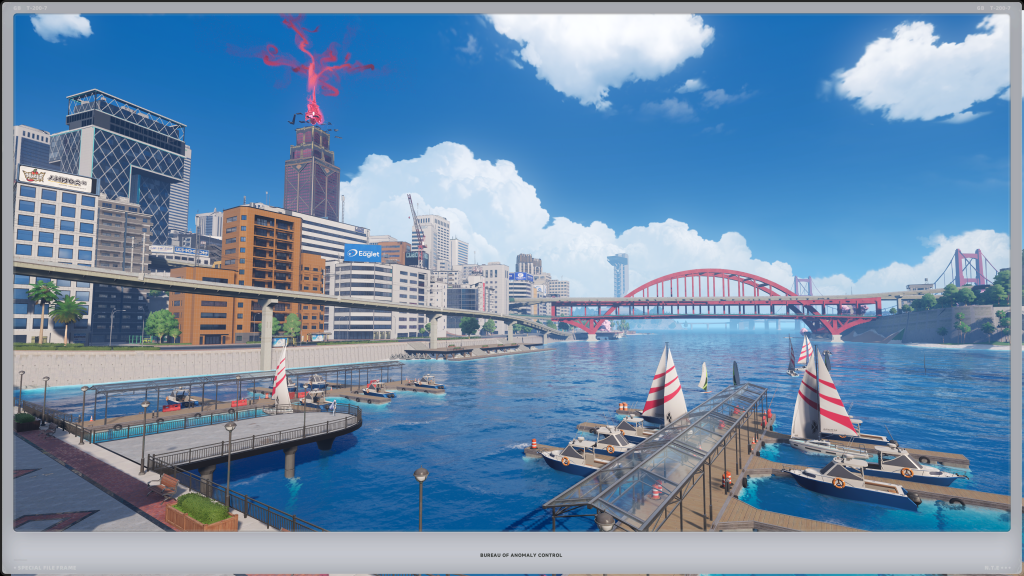
In between it all has been roughly the same with slowly finishing out the last of acquiring the raid coin for the week with Aiki, and the slow plan of saying farewell to the cousins as we head closer to Evercold. There’s still a bit to do, but we’re going to space it out a lot more since we have so much time and I really don’t want to 100% burn out. NTE has got my attention on the other hand a lot more than I had anticipated with its rather dense little city (currently) that it has, and it’s been really enjoyable. There was one night last week I had all the intention of hopping around Eorzea with Aikirees, but instead settled (heavily sidetracked) into playing NTE for the entirety of the evening. Can’t really complain as it just keeps going!
I suspect this week is going to either be steady or just absurd depending on how many people forget that this weekend is a Holiday weekend. One would be surprised as to how many folks tend to wait until the last minute to put an order in for something, and last week was kind of full of that, so it doesn’t bode well. Got a pet project done before some new equipment arrives today, which is a mixture of excitement and displacement for the office. Once the dust is settled, it should keep the flow of things back on track for a long spell or so.
I think that catches everything up from the gap of posts, hopefully some blips this week before the holiday weekend, and we’ll see what that entails aside from a lot more purposeful downtime. Happy Monday ya’ll! Kick so much tails this week!!
Neverness to Ever-Routerness
I didn’t pre-plan this one, or anything really for the week. The big adjustment/update/fix/whatever this weekend was an incredibly long overdue router upgrade. When one crashed the entire network to download something, it was probably the omen that it was time to do so. Even the tech who came out to work on my line said that even the ISP might knock it off the network sooner than later.
While the process took A LOT longer than planned, the result was more understanding and control of said home network, which is a nice big win and it’s a lot quicker from what I can tell. I just wish it didn’t take ~6 hours of adjustments and corrections across the entirety of the network to do so.
Aside from that, kind of puddled along with the normal things a weekend offers. Dabbled at bit in Genshin Impact, but the big highlight was starting Neverness to Everness, or NTE for short, which feels very similar in terms of game structure to Genshin, but a lot more bonkers, flashy, and fighting styles. It’s a great time and the world (city) that it’s in is really pretty. The only thing I don’t like is the map, which reminds me of Saints Row IV’s map – all kind of gray scale with colorized icons which do pop very nicely.
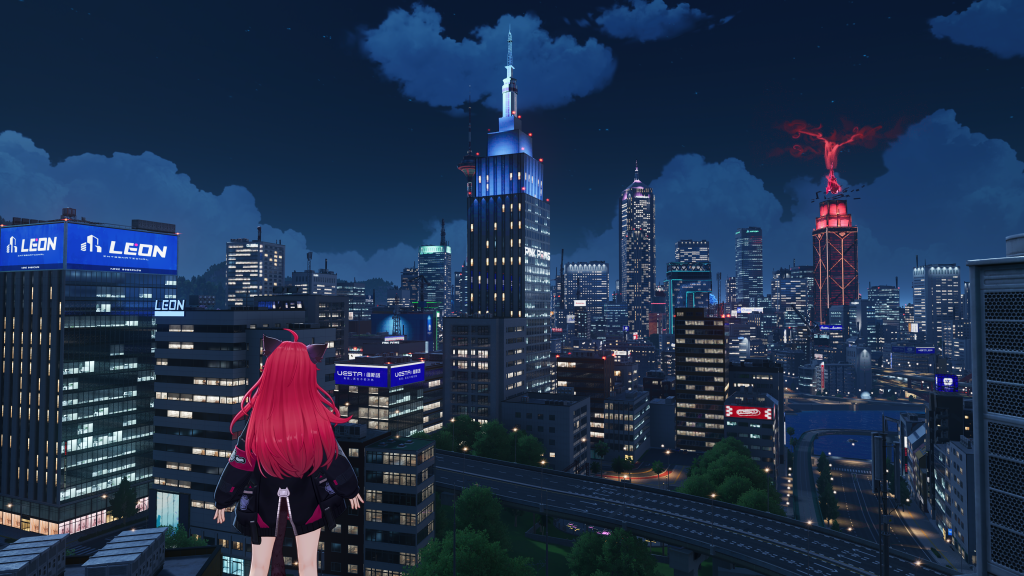
It was a fun great time so far, even getting a little carried away Saturday night playing it. Got back to watching the Cup Head series (I thought I finished that??) as the dinner/evening routine too, and that was fun/perfect for how the router adventure went.
Back to it this week which is mostly normal with Mother’s Day & Mama K’s Birthday being this upcoming weekend. That’ll be a lot of fun. Still mulling and planning long-term projects and ideas out, and that in itself is nothing new. That’s all for this Monday; happy May the 4th, and kick tails this week!
Y’all got this~!
Home’sies
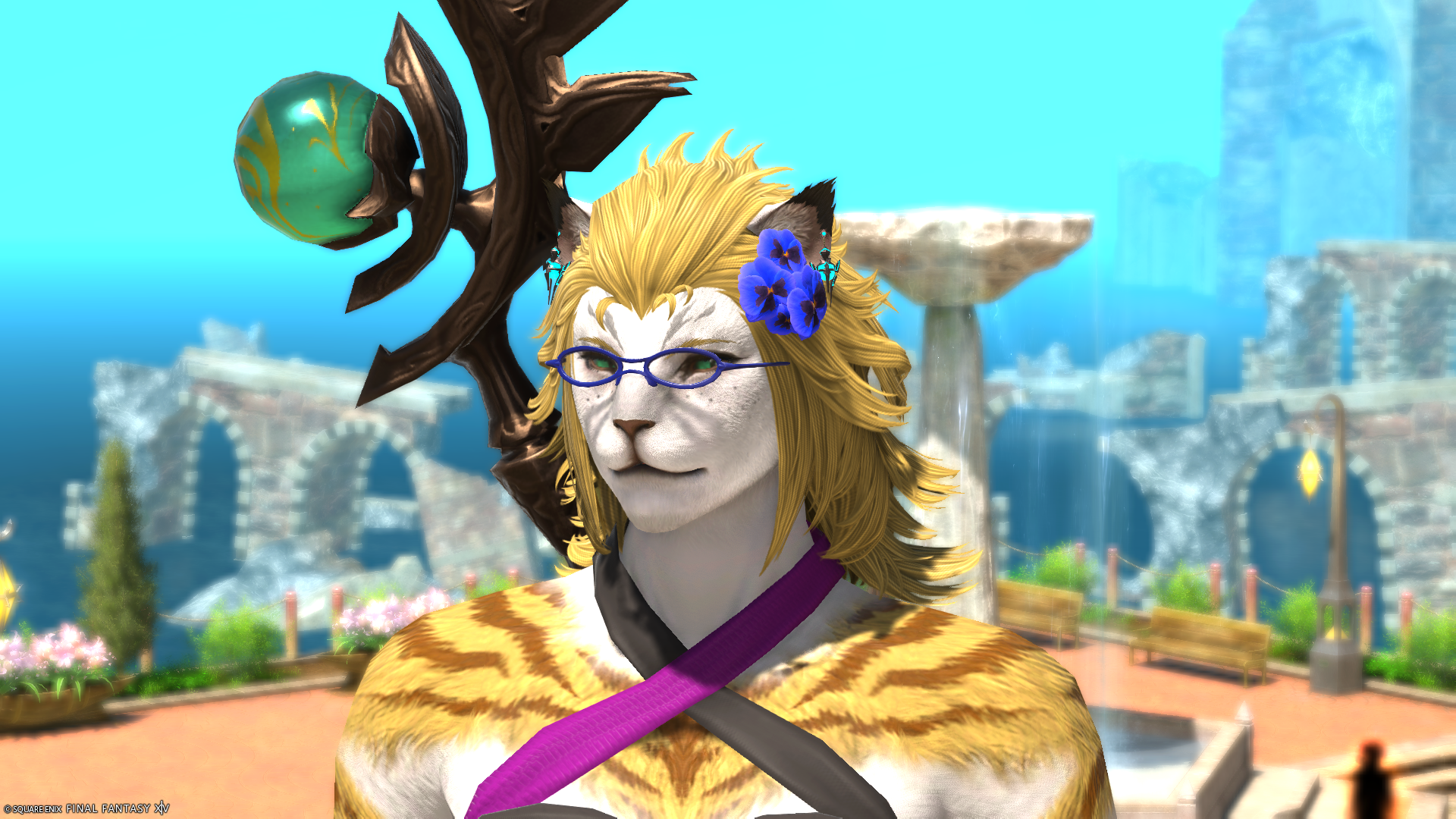
Whislt I don’t personally understand Aikirees’ first life, even with Mother trying to explain it in some sort of tangible way to “Tess” and I at a much younger age many many summers ago, whatever transpired through all of the Vana’Diel Echoes we encountered including this ‘Windurst’ one, seems to have given her a warmth that… I don’t believe I’ve ever seen before.
Sure Aiki is known for always looking on the up and up and seeing the best within someone, even a certain sythe welding Garlean we left out there at the edge of the universe, but this beaming warmth of a glow is certainly something else. Like it was missing all this time or simply “Tess” and I just never saw it clearly until now; whatever the case, I think a long lost part of her can be either put to rest or carried without burden here on out as we head onwards and prepare for our journey to the Fourth.
The Trail has been Dawned 7.5 (Part 1)

Aikirees and I took on the MSQ for part 1 of Patch 7.5 last night – this doesn’t include the new Vana’Diel raid as that is later this week. I really don’t have anything on the majorly critical side to say about it. If I very much enjoyed Patch 7.4, then this took all that and built upon that to make it even better. I could go into spoiler territory about some things, but I think I might just do a 7.1 to 7.5 spoiler-filled off-page like I did with all of 7.0 instead closer to 8.0.
I think I’ll leave it at that as to not ruin anything about it in a general post, that’s what the off-pages are for if I so desire, but I do cautiously optimistically look forward to seeing how things go within the community from here on out alongside all of this – and BOY HOWDY do we have a lot of new decoration space to play with now!
It’s going to be a busy few months ahead, but still hoping to wind it all down in June/July, as unfortunately to head into Evercold, it will be time for some changes as well.
Dapper Doggos
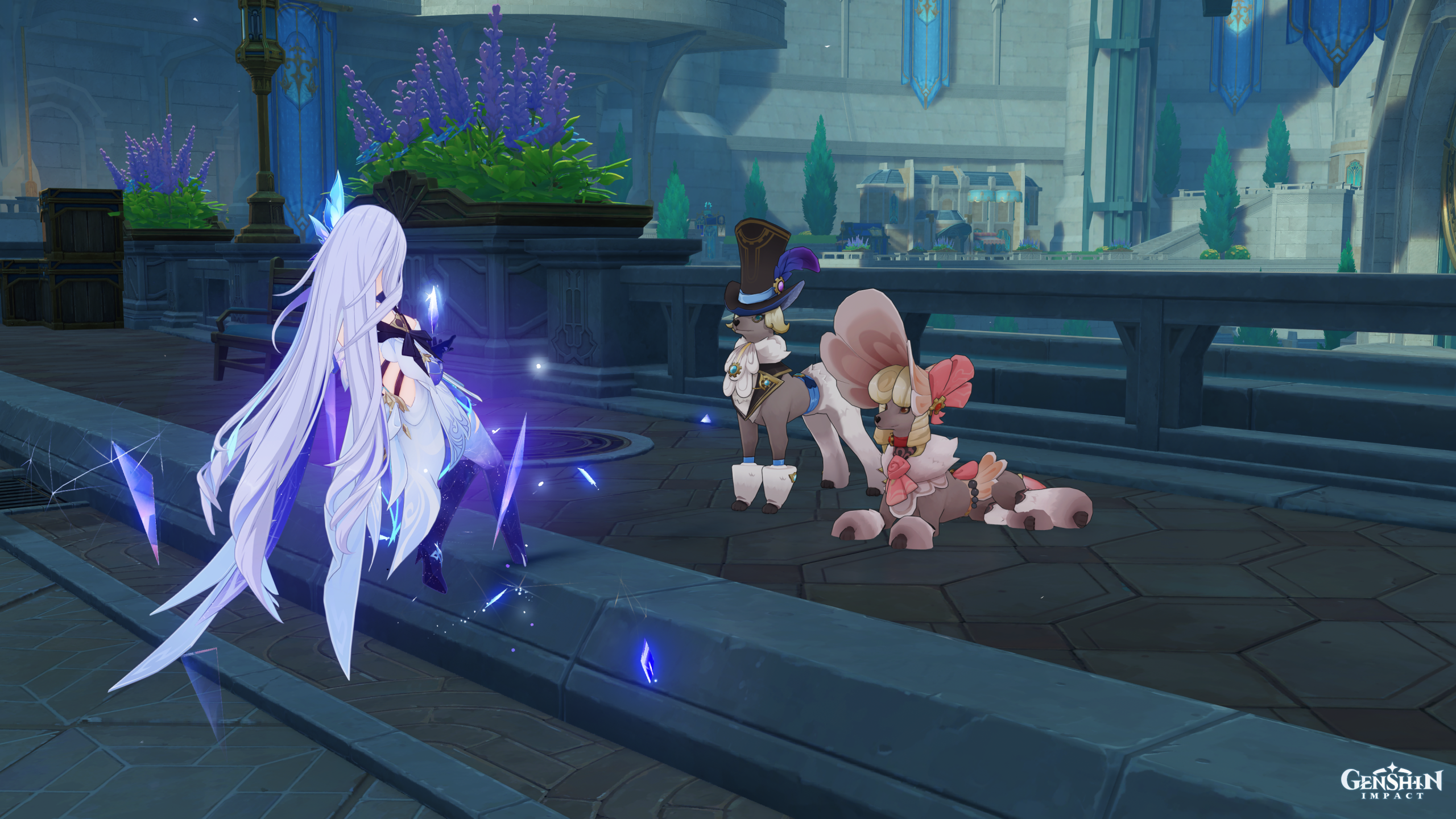
This is probably going to be an “off-the-cuff” week, well I mean it usually is as of late. A-anyway, I got reminded of encountering these two very well dressed puppers while in the Fontaine Region over on Genshin Impact a while back and had to take a moment with them.
That is all for this public announcement, please continue onwards to your regularly scheduled Tuesday. Also, enjoy Patch 7.5 y’all! Kick tails~!
The Eve of Dawning the Trail 7.5
Kind of quick for this recap; weekend went mostly well, aside from near-instant hypocritical karma Saturday night that indirectly might have caused a health-related flare up (I think it was caused from an earlier incident but staying up late, or trying to, didn’t help). So that’s the end of attempting anymore Saturday late-nighters.
Finished My Little Pony: Make Your Mark (Gen 5), but I don’t think I can recommend it. The stand-alone movie: New Generation I certainly can, but if one is looking to enjoy ponies, I’d stick with Friendship is Magic (Gen 4). Not sure what to move onto now, might give something a rewatch or get back onto Studio Ghibli movies.
Not really much else, kind of restful and we did get that last little hurrah in before the chonker that is Patch 7.5 that’s out tomorrow. For the most part looking forward to it, and what it will entail to help lead us towards Evercold. Along with also seeing the end of the Vana’Diel raids (and crying through it again), so should be fun times. Throw in a smidgen of Genshin Impact for good measure and that rounded it all out for this weekend.
Happy Monday & Patch 7.5 Eve y’all! Kick tails this week! Y’all got it!